Best Practice 4.3 – Ensure all updates of content can be automatically read by screen readers (Advanced level)
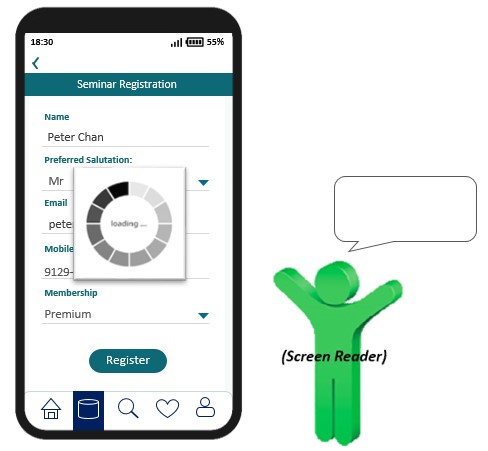
For any changes of content (e.g. error or success message), users should be informed by screen reader even though the status message is not in focus automatically.
| Before Rectification | After Rectification |
|---|---|
 |
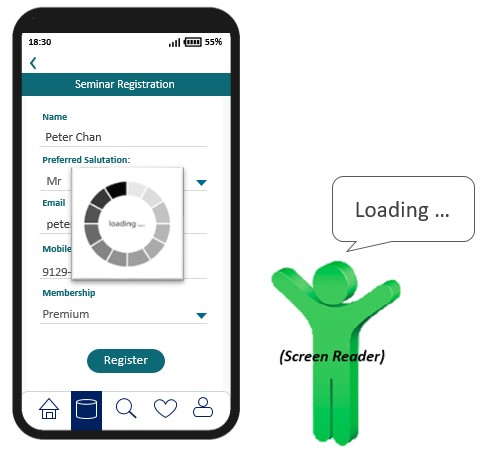 |
| In this example, a spinning logo with “loading” status message appears after user initiates the register function. However, screen reader cannot read out the status message because it is not in focus. | The screen reader is able to read out the “loading” message to inform users about the content change even though the status message is not in focus. |
W3C WCAG Reference: 4.1.3 Status Messages